
IGNOU ID Card Download with Enrollment No: Complete Guide for Students

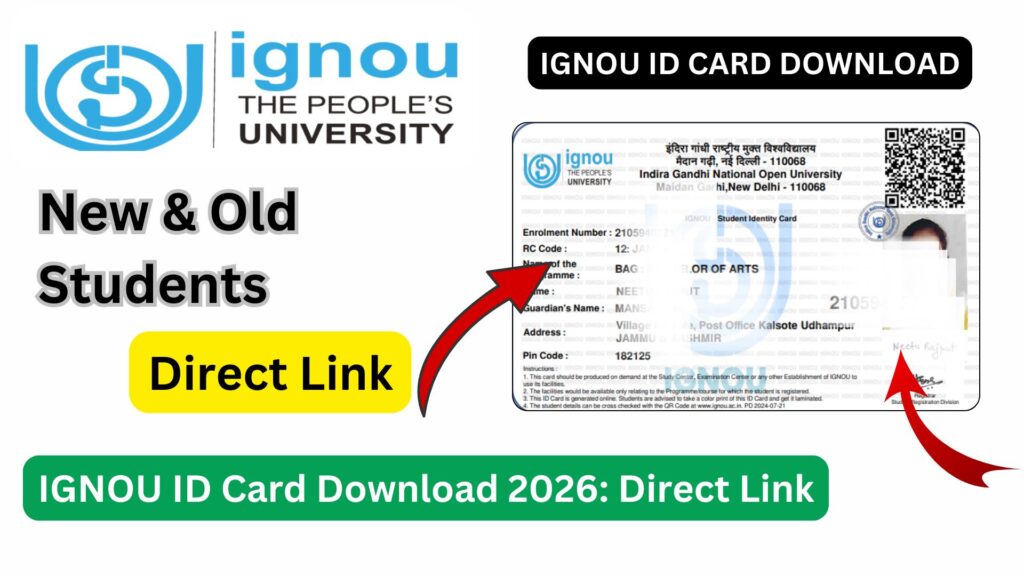
IGNOU ID Card Download with Enrollment No: The IGNOU ID card is one of the most important documents for every student enrolled in the Indira Gandhi National Open University. Whether you are appearing for examinations, visiting your study center, submitting assignments, or accessing student services, the ID card acts as your official identity proof within the IGNOU system.

Many students, especially new admissions, often search for how to download their IGNOU ID card using their enrollment number. In this comprehensive guide, you will learn everything about IGNOU ID card download, step-by-step process, requirements, common issues, solutions, and important tips to ensure a smooth experience.
What is IGNOU ID Card?
The IGNOU ID card is an official identity document issued to students after successful admission. It contains important details such as:
- Student Name
- Enrollment Number
- Program Code
- Study Center Code
- Photograph
- Signature
- Session Details
This card is mandatory for all academic and administrative activities related to IGNOU.
Importance of IGNOU ID Card
The IGNOU ID card is not just a formality. It is required at multiple stages throughout your academic journey.
Key Uses of IGNOU ID Card:
- Examination Entry
You must carry your ID card to enter the examination hall. - Assignment Submission
Some study centers may require ID verification. - Practical Exams and Viva
Identification is necessary during practical sessions. - Library Access
Required for using IGNOU libraries and study centers. - Student Support Services
Needed while contacting regional centers.
Without the ID card, you may face difficulties accessing essential services.
IGNOU ID Card Download with Enrollment Number
IGNOU provides an online facility for students to download their ID cards easily using their enrollment number. This eliminates the need to visit regional centers physically.
Direct Link to Download ID Card: https://www.bookhouseadda.com/ignou-id-card-download/
Step-by-Step Process to Download IGNOU ID Card
Follow these simple steps to download your ID card:
Step 1: Visit the Official Page
Open the link provided above in your browser.
Step 2: Enter Login Details
Provide your enrollment number and required credentials.
Step 3: Access Student Dashboard
Once logged in, navigate to the ID card section.
Step 4: Download ID Card
Click on the download option.
Step 5: Print the ID Card
Take a printout for future use.
Details Required to Download ID Card
To download your IGNOU ID card, you need the following:
| Requirement | Description |
|---|---|
| Enrollment Number | Unique number provided after admission |
| Program Code | Your selected course/program |
| Login Credentials | Username and password |
| Internet Access | Stable connection to access portal |
Important Links and Information
Below is a table containing important links and details related to IGNOU ID Card download:
| Purpose | Link / Information |
|---|---|
| Download IGNOU ID Card | https://www.bookhouseadda.com/ignou-id-card-download/ |
| IGNOU Official Website | https://www.ignou.ac.in |
| IGNOU Student Portal | https://ignou.samarth.edu.in |
| IGNOU eGyankosh | https://egyankosh.ac.in |
| IGNOU Grade Card | https://gradecard.ignou.ac.in |
| Required Detail | Enrollment Number |
| Mode | Online |
| Format |
When is IGNOU ID Card Available?
Students often wonder when they can download their ID card.
Availability Timeline:
- After admission confirmation
- Usually within a few days to weeks
- Available on student login portal
If your admission is confirmed, your ID card should be accessible online.
How to Print IGNOU ID Card Properly?
After downloading your ID card, it is important to print it correctly.
Printing Guidelines:
- Use A4 size paper
- Prefer color print for clarity
- Ensure all details are visible
- Do not crop or edit the card
Some students also laminate their ID card for durability.
Common Problems While Downloading IGNOU ID Card
Students may face issues during the download process. Below are common problems and their solutions.
1. Unable to Login
Reason: Incorrect credentials
Solution: Reset your password
2. ID Card Not Available
Reason: Admission not confirmed
Solution: Wait for confirmation
3. Website Not Opening
Reason: Server issues
Solution: Try during non-peak hours
4. Incorrect Details on ID Card
Reason: Data entry error
Solution: Contact regional center
What to Do If You Cannot Download ID Card?
If you are unable to download your ID card, follow these steps:
- Verify your enrollment number
- Check admission status
- Try different browser or device
- Contact IGNOU support
- Visit your regional center if required
Difference Between Temporary and Final ID Card
IGNOU may issue different types of ID cards:
Temporary ID Card
- Issued immediately after admission
- Used until final version is available
Final ID Card
- Verified and updated
- Used for all official purposes
Is Digital ID Card Valid?
Yes, IGNOU accepts digital ID cards in many cases. However, it is always recommended to carry a printed copy, especially for exams.
IGNOU ID Card for Examination
The ID card is mandatory for appearing in Term-End Examinations (TEE).
Exam Requirements:
- Printed ID card
- Hall ticket
- Valid ID proof (if required)
Without these documents, entry may be denied.
Tips for Students
To avoid issues related to IGNOU ID card, follow these tips:
- Download your ID card early
- Keep multiple copies
- Save a digital backup
- Verify all details
- Contact support if errors found
FAQ about IGNOU ID Card Download with Enrollment No
Can I download IGNOU ID card using enrollment number?
Yes, you can download your ID card using your enrollment number through the official portal.
Is IGNOU ID card mandatory?
Yes, it is mandatory for exams, assignments, and accessing student services.
What should I do if my ID card is not available?
Wait for admission confirmation and try again after a few days.
Can I show ID card on mobile?
Yes, but it is recommended to carry a printed copy for exams.
What if there is a mistake in my ID card?
You should contact your regional center to correct the details.
Is there any fee for downloading ID card?
No, downloading the ID card is completely free.
Can I download ID card multiple times?
Yes, you can download it anytime from the portal.
What format is the IGNOU ID card?
It is available in PDF format.
Can I use black and white print?
Yes, but a color print is recommended for clarity.
Do I need ID card for assignment submission?
In some cases, yes. It is always better to carry it.
Conclusion
The IGNOU ID card is an essential document that every student must have throughout their academic journey. From examination entry to accessing university services, it plays a vital role in verifying your identity.
Downloading the ID card using your enrollment number is a simple and quick process, provided your admission is confirmed and your login credentials are correct. Students are advised to download and print their ID card as soon as it becomes available to avoid last-minute issues.
In case of any problems, do not panic. Follow the troubleshooting steps mentioned in this guide and contact your regional center if necessary. Keeping both digital and printed copies ensures that you are always prepared.
To download your IGNOU ID card, use the link below: https://www.bookhouseadda.com/ignou-id-card-download/
By staying informed and proactive, you can ensure a smooth academic experience with IGNOU.